Sign Up
Anyone can sign up for a Citra Space app account to explore the platform’s features. Follow the steps below to create your account.
Create a Citra Space Account
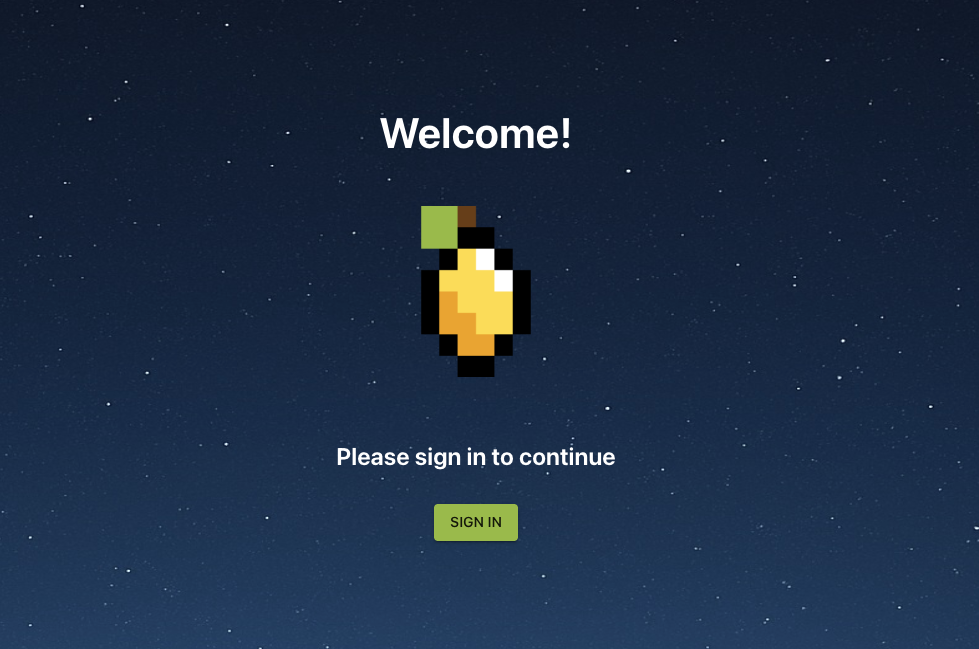
Visit the Citra Space app at https://app.citra.space and choose SIGN IN.
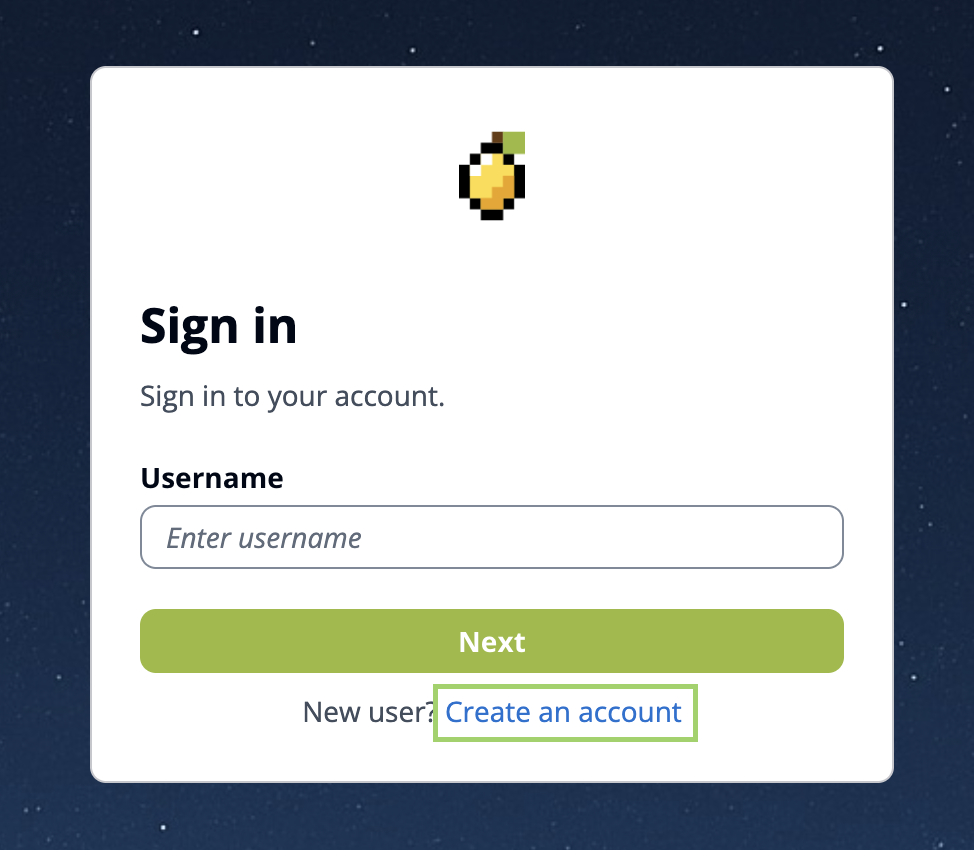 Choose
 Create an account in the Sign in form.
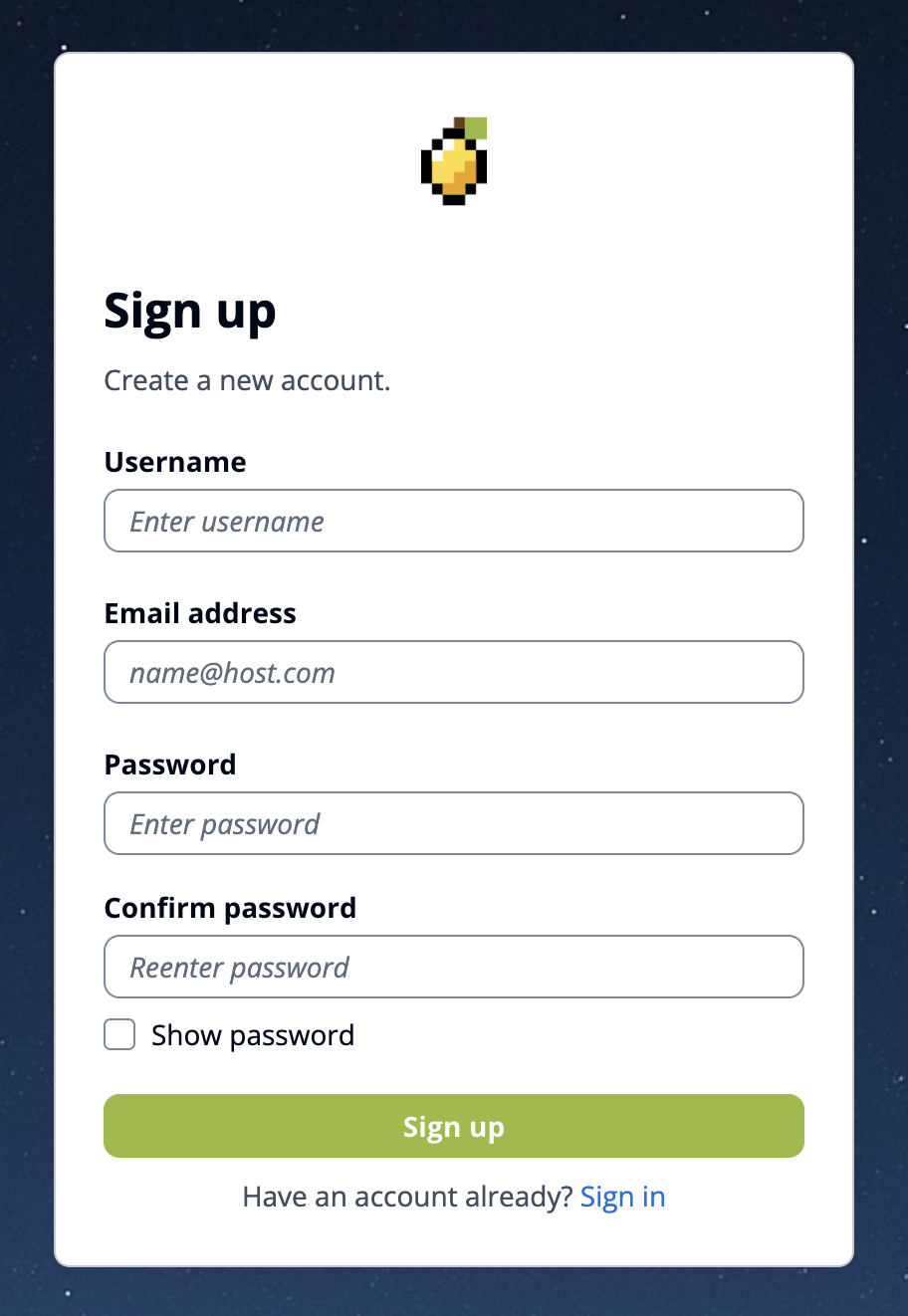
Complete required field in the sign up form then choose Sign Up.
An email will be sent to the address provided, containing a verification code. Please check your inbox (and spam folder if necessary) for this email. Enter the verification code in the app to complete account setup.
Login to the new account.